

01
Return to an unfinished purchase
Remind customers about the products in their cart. Plan the message and timing around their shopping journey, with a clear link back to their purchase.
Explore cart recoveryFrom restaurant enquiries and test-drive requests to campaigns and cart reminders. Bring WhatsApp messages, chat flows and automation together for your business.
Let’s review your current platform, customer data and first communication workflow together.
Hi, I’d like to learn more about your restaurant.
Ask for a date, time and party size, then pass the request to the restaurant team.
Route to teamExample flow. Questions and next steps are tailored to your business.
Illustrative messages. Content and sending conditions are tailored to your business.
Choose your priority and explore the related module to see how it works.
Remind customers about the products in their cart. Plan the message and timing around their shopping journey, with a clear link back to their purchase.
Explore cart recoveryPrepare a message for a new collection, seasonal offer or store announcement. Plan the campaign around the right customer group and their communication preferences.
Explore campaign messagesLet customers waiting for a restock know when a product returns. Give them a direct path to the product page so they can continue their selection.
Explore stock remindersShare order updates in clear messages. Help customers find their order details and make it easy to reach you when they need assistance.
Explore order messagesEvery business has a different platform and customer journey. Let’s understand your current process, then choose your first use case.
Discuss a starting planLet’s review your business, customer enquiries and WhatsApp connection. Together, we’ll identify the workflows and platform connections you need.
A restaurant booking enquiry, a test-drive request or a campaign: choose your first use case. Define the questions, reply options and details to pass to your team.
Review message links and the customer journey. Use the results you can track to assess your content and timing.
A restaurant invitation, a fashion store’s new collection or a hotel’s seasonal offer. Start with the journey your customers take.
Size, colour and new arrivals
Menus, invitations and return visits
Rooms, offers and stays

Projects and customer enquiries

Models and test drives
Care, shades and collections

Dimensions, materials and delivery
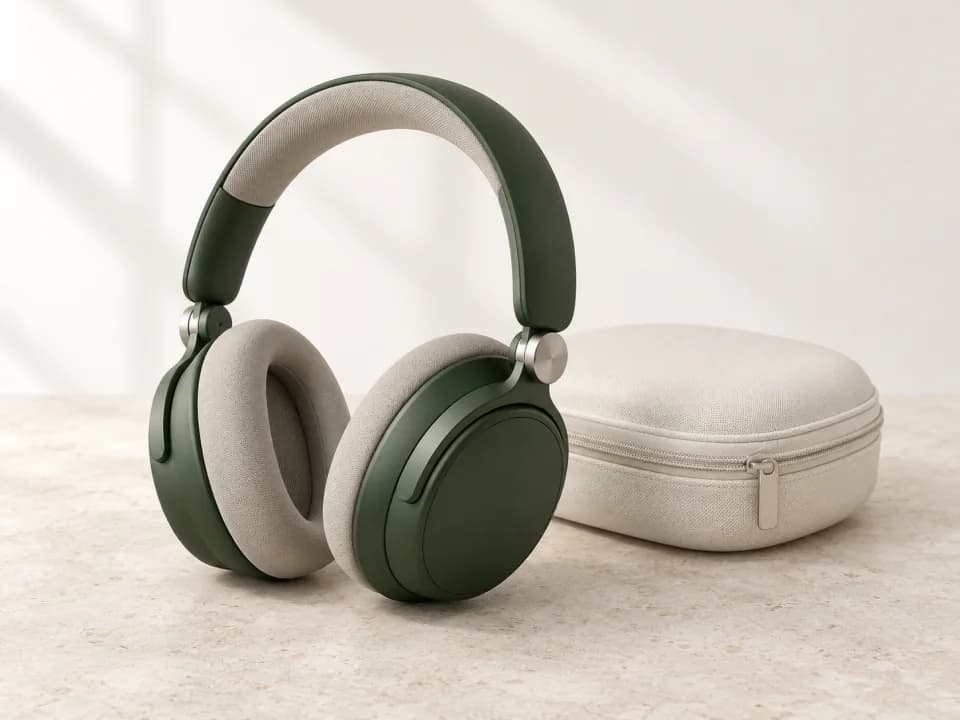
Models, compatibility and stock
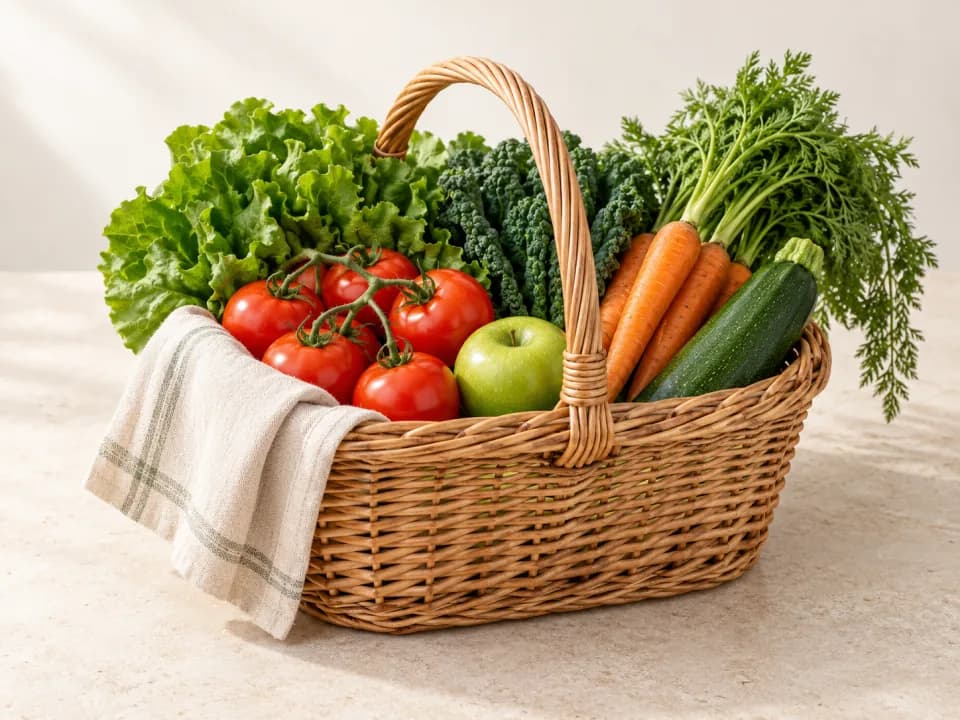
Carts and weekly shopping
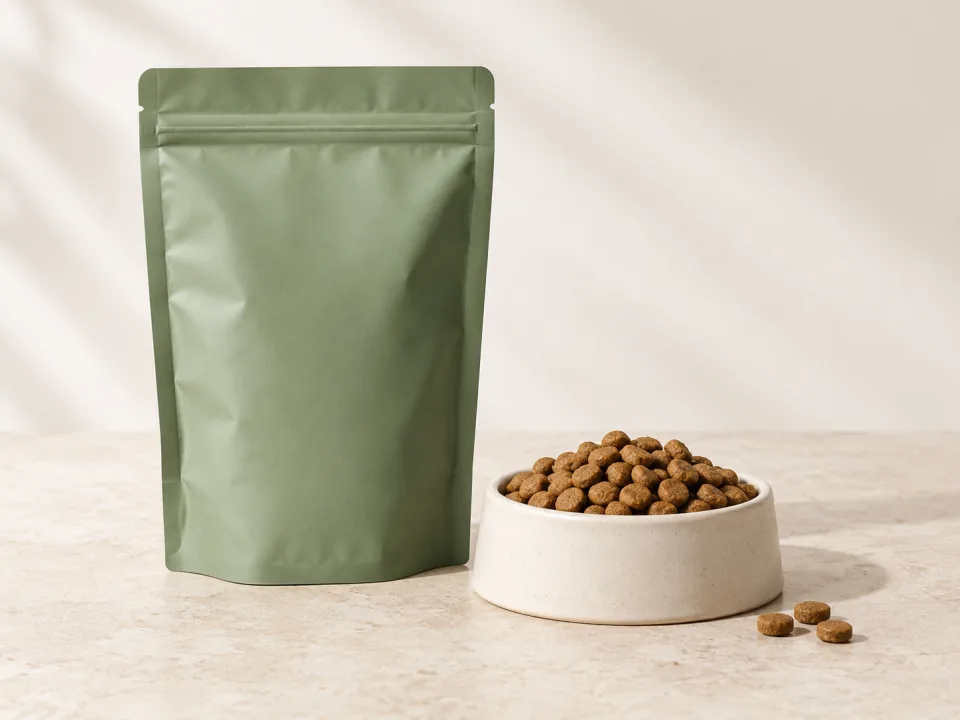
Pet food, care and accessories
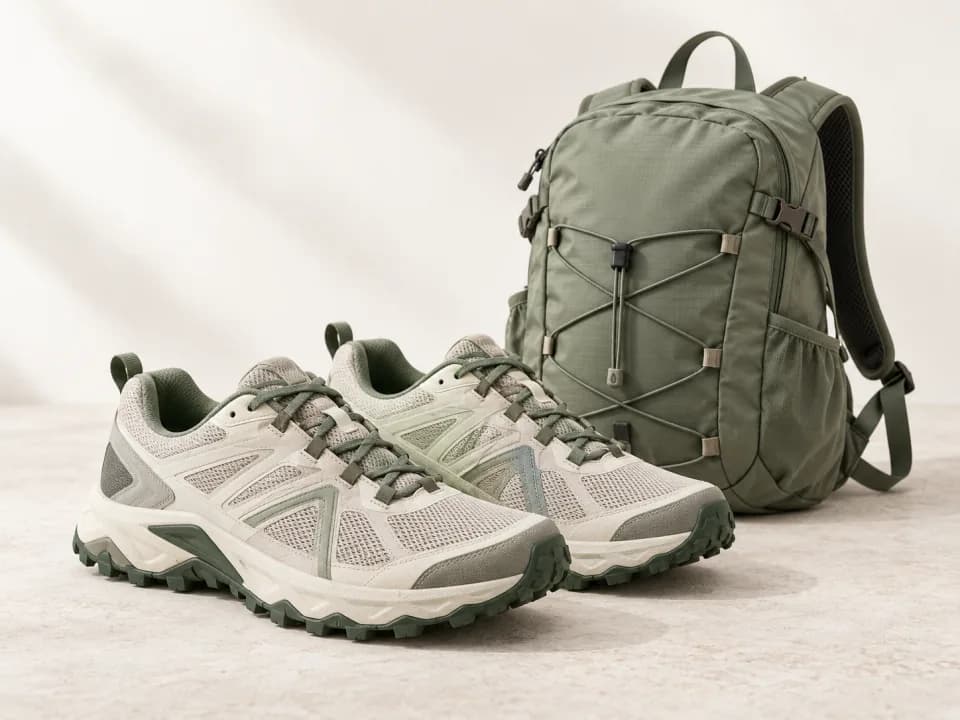
Sizes, equipment and seasonal offers

Sizing, gifts and collections
If you would like to start with the fundamentals, explore our WhatsApp marketing guide.
Read the WhatsApp marketing guideYes. Pushouse offers WhatsApp messaging, chat flows and automation for businesses in every industry. Whether you run a restaurant, automotive business, hotel, service business or online store, you can build workflows that fit your business to answer customer questions, collect enquiries and share campaigns.
Choose the next question based on a customer’s reply, collect the details you need, direct them to relevant content or pass the conversation to your team. For example, a restaurant can collect booking enquiry details, while an automotive business can route test-drive and service requests through separate flows.
No. You can use WhatsApp messages and chat flows to manage customer communication without an e-commerce website. Modules that depend on order or stock information do require a connection to the relevant platform.
Campaign announcements and messages triggered by carts, stock or orders serve different needs. The audience, content and sending conditions are planned for the workflow you choose, including customer communication preferences.
Tell us which modules you need, how you plan to connect and your expected message volume. Our team can explain the applicable packages and usage costs for that scope.
Tell us about your products or services, the questions customers ask most often and your first priority. If you have a website or existing tools, share those too. We can start with a restaurant booking enquiry, a test-drive request or a campaign announcement.
Tell us about your business and the moment your customers need support. We’ll identify suitable modules together.