
Inventory Alerts
Notify your store team when product stock falls below a configured threshold. Keep low-stock products in view when planning inventory and replenishment.
- Coffee pack · Low stockExample current stock: 8 units
- Configured threshold: 10 unitsReview stock and supply status
Notify merchants when product stock falls below configured thresholds.
Example scenario. Content and setup are tailored to your business.
How it works
- 01
Stock threshold
→ - 02
Inventory monitoring
→ - 03
Merchant alert
✓
For your industry
One module, tailored to the way your business works.

Support replenishment with stock thresholds
Set low-stock thresholds for regularly sold products. Use the merchant alert when stock drops below the threshold to review your replenishment plan.
Explore this industry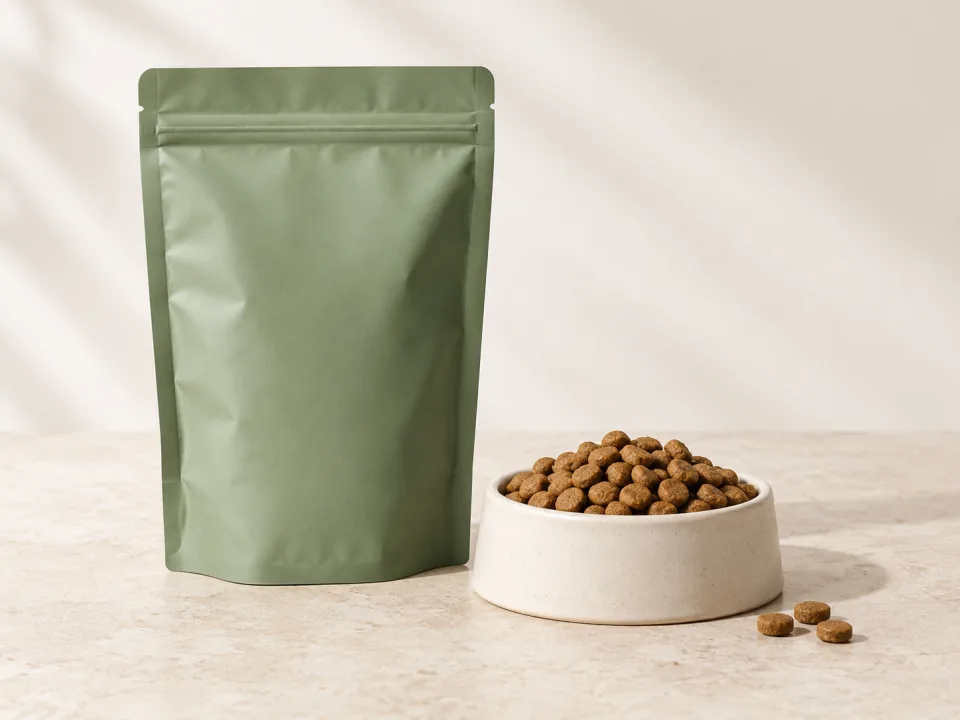
Monitor low stock on regularly purchased packs
Set thresholds for product stock and use merchant alerts when pet-food or litter quantities fall below them to review replenishment needs.
Explore this industry
Alert your team to low product stock
Set a product-stock threshold and receive a merchant alert when the quantity falls below it, helping your team review replenishment and store plans.
Explore this industryKnowing when a product is running low helps your team review replenishment needs. Pushouse Inventory Alerts notifies merchants when product stock falls below a configured threshold. Your team can see which products need attention and plan its next step.
Bring low stock to your team’s attention
The recipient of a low-stock alert is the merchant or responsible team member. A product’s configured threshold represents the point at which its stock needs attention. When stock falls below that level, the alert provides a prompt to review the situation.
Use the alert to inform replenishment decisions
Consider the product’s current stock, sales and supply conditions together. Your team can decide how to proceed with purchasing, inventory planning or the product’s presentation in your store. Assign someone to review alerts so the information leads to a useful next step.
From a stock level to a team decision
Choose the products
Identify the products whose stock you want to monitor.
Set a threshold
Define the stock level that requires attention.
Review the alert
Use the notification in your replenishment planning when stock falls below that level.
Example situation: stock falls below the threshold
Suppose a product has a threshold of 10 units. When stock falls to 8 units, the store team is notified. The team checks the current information and decides how to proceed with replenishment. These quantities are illustrative.
Decide how your team will follow up
- Identify your inventory data source and the products to monitor.
- Plan thresholds around each product’s sales and supply conditions.
- Choose who reviews alerts and what the next working step should be.



Who receives an inventory alert?
This module is for notifying the merchant. When product stock falls below the configured level, it helps the store team review the inventory situation.
When is an alert triggered?
An alert is triggered when product stock falls below the threshold you configure. Plan that threshold around the product’s sales pattern and supply conditions.
Is this the same as a customer back-in-stock message?
The modules serve different needs. Inventory Alerts tells merchants about low stock. WhatsApp Back-in-Stock Alerts tells interested customers when a product they requested becomes available again.
What information should I share for setup?
Share the system that holds your inventory records, the products to monitor and your proposed thresholds. We can review the data connection and the needs of the team following up on alerts.
Explore every moduleChoose the next step for your business.
- AI Shopping Assistant
- AI Customer Segmentation
- WhatsApp Flow Automation
- WhatsApp Campaigns
- Abandoned Cart Recovery
- Back-in-Stock Alerts
- Welcome Messages
- First-Purchase Incentives
- Birthday Campaigns
- Purchase Anniversary Campaigns
- Reorder Reminders
- Order Status Updates
- Shipment Tracking
- Post-Purchase Surveys & Reviews
- Smart Product Recommendations
- Spin-to-Win
- Lead Capture Pop-ups
- Social Proof
- Bestseller Showcase
- Promotional Side Tab
- On-Site Notification Center
- Exit Surveys
- Trendyol Reviews Integration
- Shoppable Instagram Reels
- PushTag Shoppable Galleries
- Video Hosting
- Inventory Alerts
- Cookie Consent Management
- Win-back Messages
Let’s set it up for your business
Keep low-stock products on your team’s agenda
Share your inventory data source and the products you want to monitor. Let’s review an alert plan that fits your business.